
Persistent Tokens
desain
Persistent Tokens
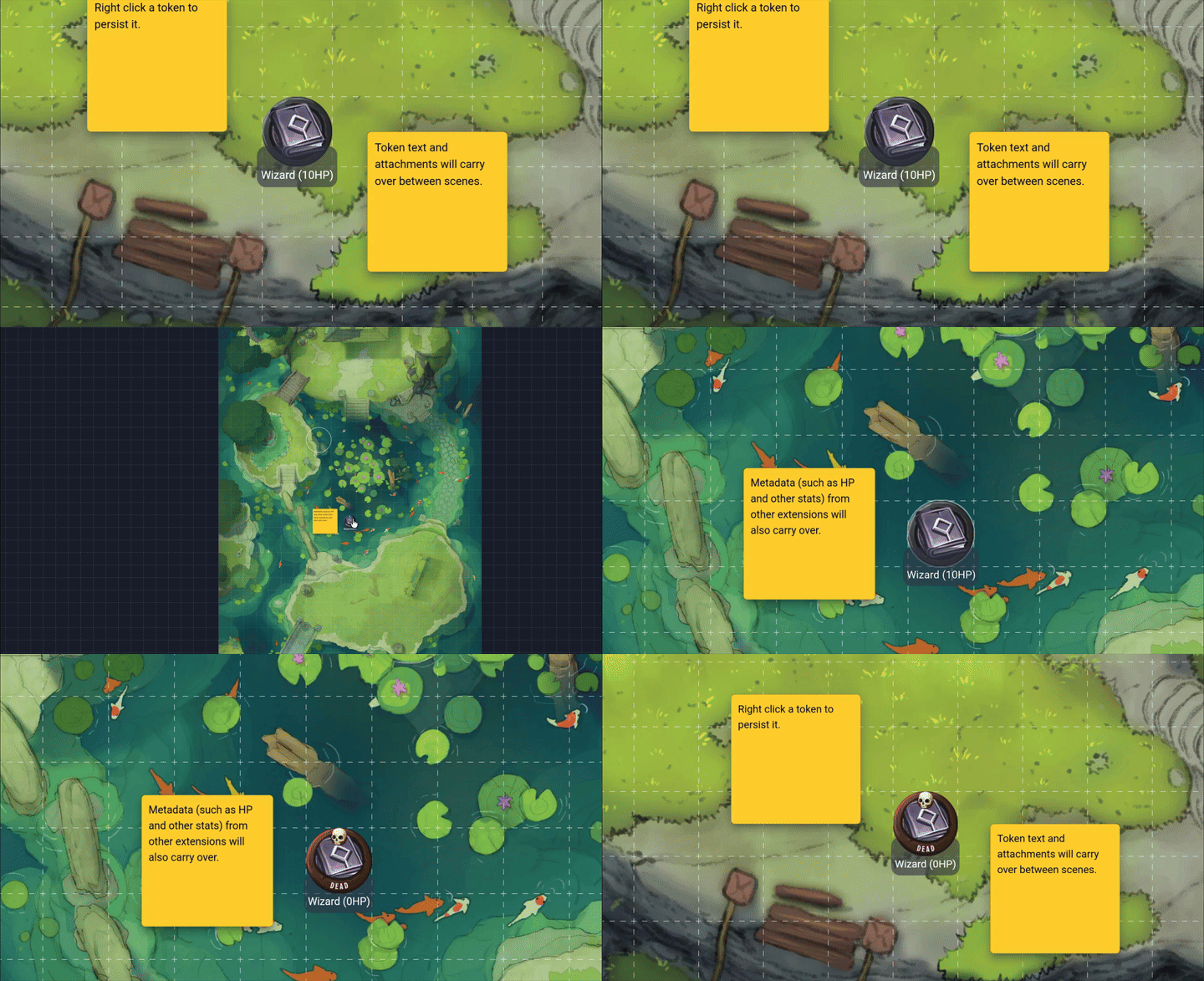
Persist token data between scenes and create token templates.
Features
- 💾 Persist token text, metadata, and attachments between scenes.
- ♊️ Create token templates to apply metadata and attachments when tokens are created.
How to use
Right click a token to persist it.
After that, you can manage the persisted token in the action window.
Persistence types:
- In unique mode, whenever a token is updated, the persisted version of the token will be updated as well.
- In template mode, you must right click a token and click 'Save to Template' to persist the current state of the selected token. After that, all new versions of the token will use the template.
You can control which aspects of a token, such as its text or attachments, are persisted, by toggling the persistence properties in the action window.
Support
If you need support for this extension you can message me in the Owlbear Rodeo Discord @Nick or open an issue on GitHub.