
One Page Importer
EnderPy
One Page Importer
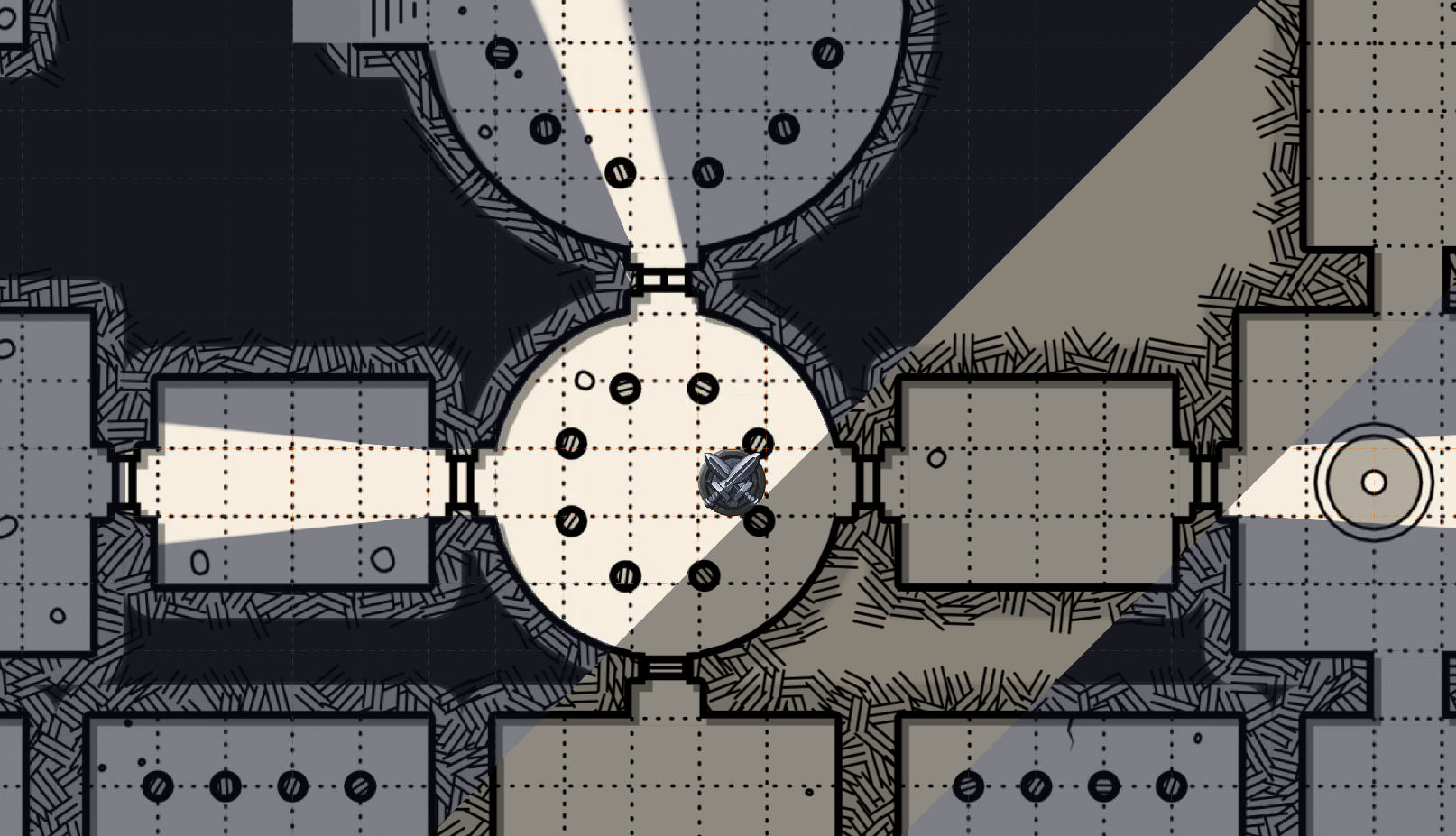
A fully featured importer for watabou's Cave/Glade and Dungeon generator, found at https://watabou.github.io/
Features:
- Import Dungeons from One-Page-Dungeon generator found at https://watabou.github.io/dungeon.html
- Import Caves from the Cave Generator found at https://watabou.github.io/cave.html
- Easily customisable levels of detail vs performance, under the
advancedtab
- Easily customisable levels of detail vs performance, under the
How to use
Importing a dungeon
- generate a map on https://watabou.github.io/one-page-dungeon/ (can also configure using right click -> tags)
- right click -> export -> PNG for the map, and JSON for the data. note the DPI when exporting PNG
- Add the map as normal into Owlbear (drag into the scene as a map, or asset manager > maps > add). You may need to configure the DPI to match
- On the action bar (top left), open "One Page Importer" and either click
Upload File> select JSON file or paste the content from the JSON under Advanced. - Select the relevant map, or 'No Offset' for default positioning, then
Import Dungeon (JSON). Fog of war should apply over the map.
- note: if you cant see any doors, see if you haven't added a dynamic Fog of War extension (either
https://dynamic-fog.owlbear.rodeo/manifest.json,https://owlbear-chromodynamic-fog.nicholassdesai.workers.dev/manifest.jsonare recommended)
Importing a cave
- generate a map on https://watabou.github.io/cave-generator (can also configure using right click -> tags)
- right click -> export -> PNG for the map, and SVG for the data. Keep track of the download location.
- Note: if you are generating a Glade, you must export it as a cave. To do this, right click inside the generator. Find the option
Display>Glade viewand ensure it is off.
- Add the map as normal into Owlbear (drag into the scene as a map, or asset manager > maps > add).
- On the action bar (top left), open "One Page Importer". From here, click
Upload File. Select the downloaded .svg file
- Optional: You may edit the optimisation profile of the caves, please see https://github.com/EnderPy/one-page-importer#advanced for more details
- Under
Select Map, select the map you uploaded under step #3, or leave blank if you so wish - Click
Import Cave (SVG)to import the Fog-Of-War information on-top of your map. Fog data should now be applied, check via enabling the Fog tool
For a more in-depth usage guide, please see https://github.com/EnderPy/one-page-importer